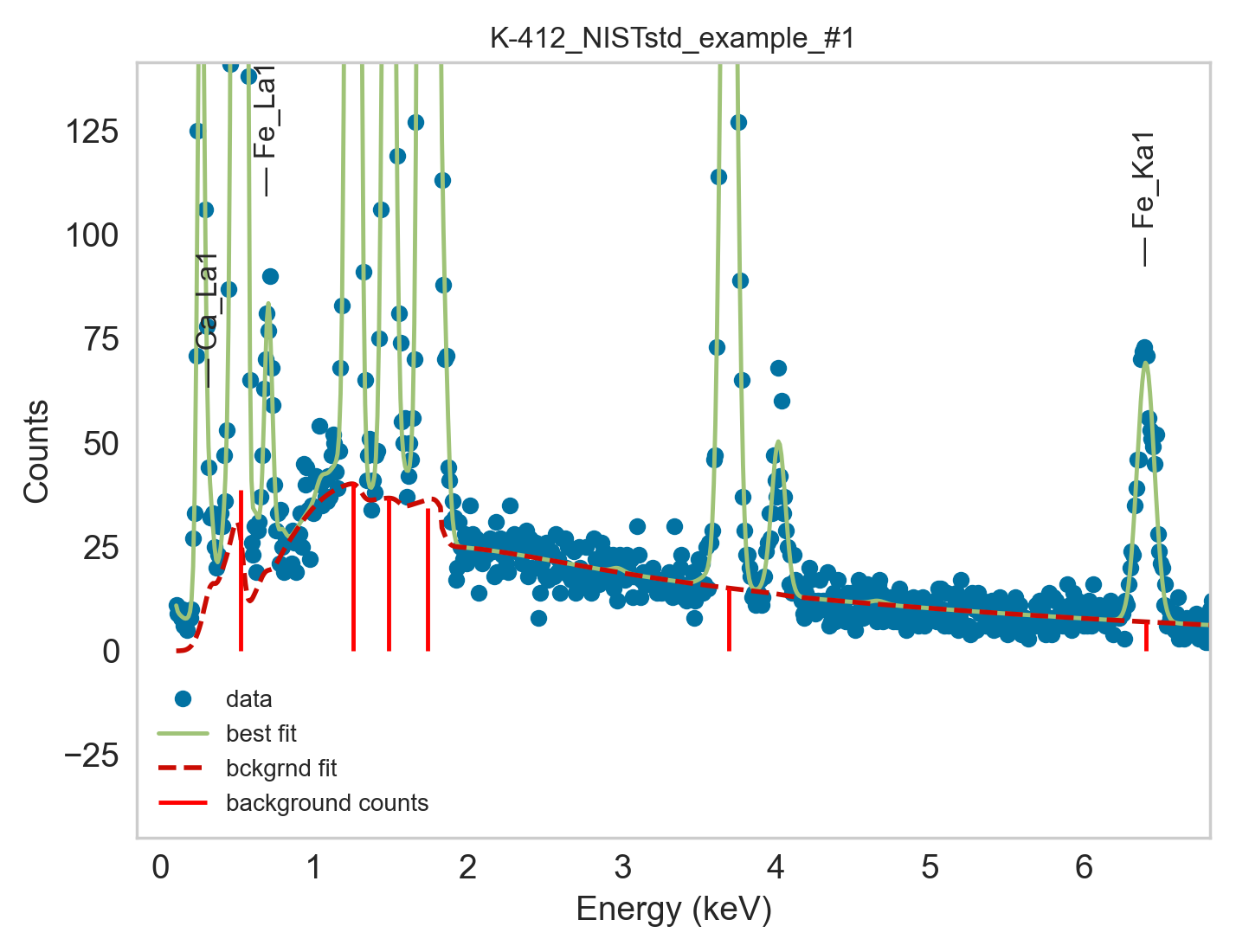
Tutorial: Fit and quantify individual spectra exported by commercial EDS software
This tutorial shows how to fit–and optionall quantify– a single EDS spectrum,
using the Fit_Quant_Single_MSA_Spectrum.py script.
This allows to load an individual spectrum from an exported file (typically
.msa, .emsa, .txt), fit and quantify it and visualize the fitted spectrum
for inspection of model fitting performance.
This script also prints the full fitting and quantification process steps, prints the employed fit parameters and their final values.
It also enables further customization options for fitting and quantification for evaluating the performance of different EDS models, allowing to define a set of parameters to use in your standard EDS quantification operations.
Note: This script has so far been tested with spectra output with Thermofisher Phenom SEM-EDS and by Oxford Aztec software.
Step 1 - Open script to edit
Open autoemxsp/scripts/Fit_Quant_Single_MSA_Spectrum.py.
Step 2 - Define Spectrum to Fit
Set the spectrum to analyse by defining:
spectrum_path: Path to spectrum file.els_sample: list of elements present in the sample.els_substrate: list of elements present in the sample substrate (e.g. carbon tape).is_particle: set toTrueif measurement is from particles or from a rough surface. Set toFalseif measurement is from a flat, polished surface.
Step 3 - Modify Parameters
Modify the rest of the parameters to match to the sample you’re fitting.
For details on the parameters, see the API for the fit_and_quantify_spectrum
function.
Step 4 - Launch script
Visualise the fitted spectrum and evaluate goodness of fit.
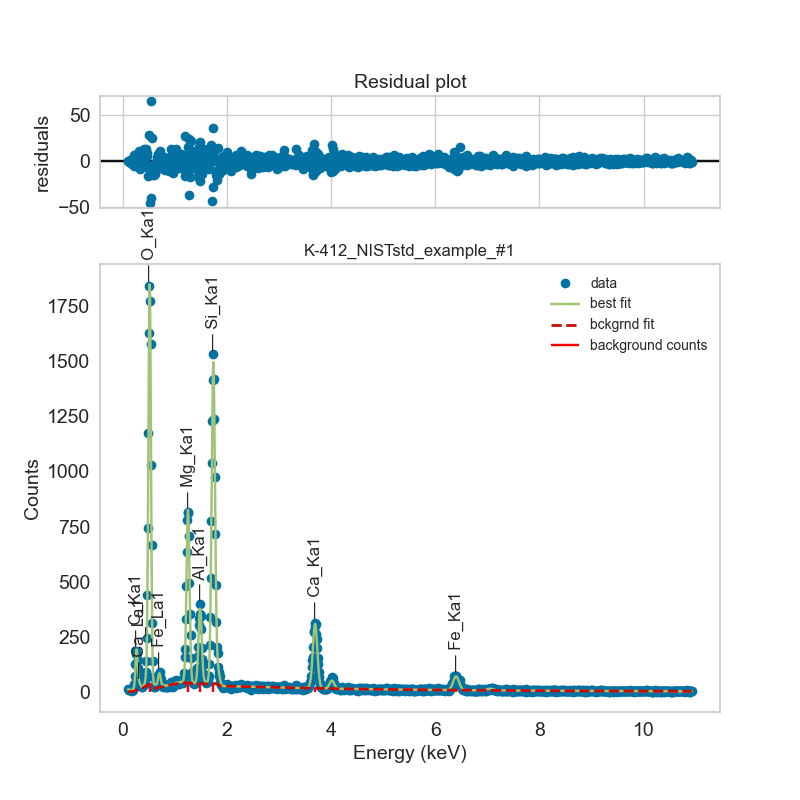
The background fitting is especially important when it comes to peak-to-background EDS quantification.